Mikrotik gear is great, but some of it can be a bit noisy. Replacing the stock fans with some Noctua ones is an easy and excellent upgrade to reduce noise in your homelab.
Make sure you get the correct voltage version! Noctua makes 12V and 5V variants of this fan. There is also a choice of PWM (4-wire) and FLX (3-wire) fans.
| 12 Volt | 5 Volt | |
| PWM speed control | NF-A4x20 PWM | NF-A4x20 5V PWM |
| Voltage speed control | NF-A4x20 FLX | NF-A4x20 5V |
The Noctua NF-A4x20 PWM model suits most/all of these situations, but that might not always be the case. It's best if you check one of the stock fans first and match the specs, it'll have the voltage on the sticker.
Note that a fan swap is a compromise, there's no free lunch here. The Noctua moves a much smaller volume of air and has a lower static pressure (can't push as hard against resistance, like small inlet holes), but in most cases this won't be a problem because you don't expect to need that much cooling capability.
CCR2004-16G-2S+
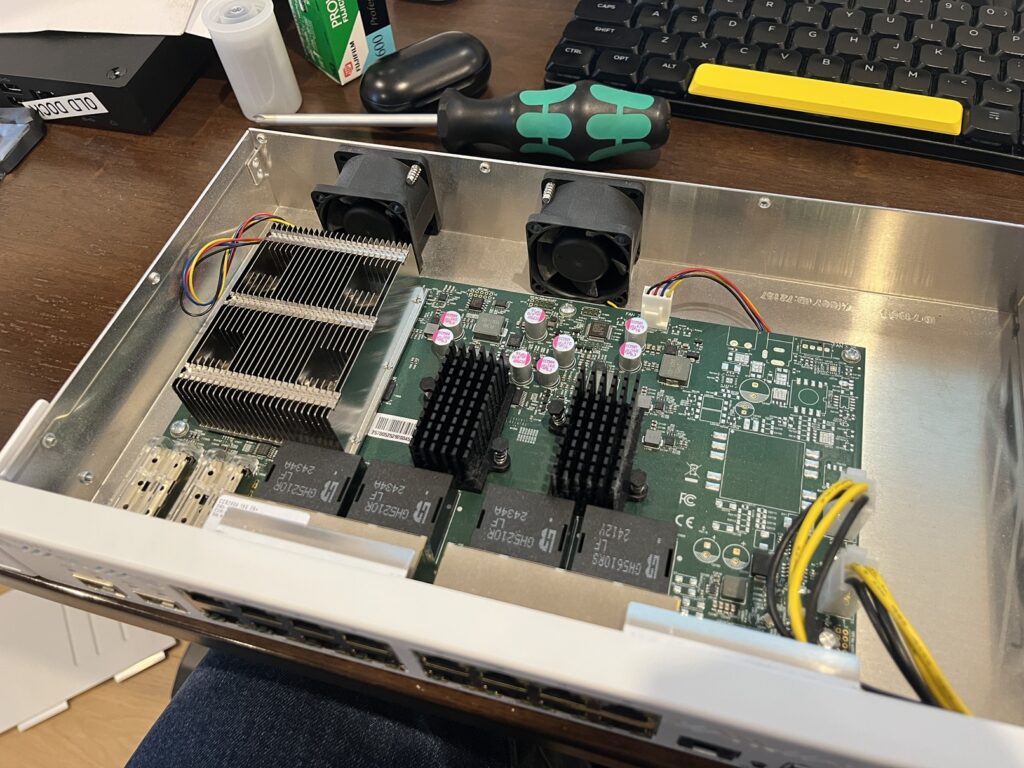
This isn't the first swap I've done but it's the first one I'll document. The CCR2004 is a 1U router with 16x 1G ports and a couple of 10G SFP cages. It's got 2x 40mm fans inside and they're 4-wire PWM models, making this an easy one.
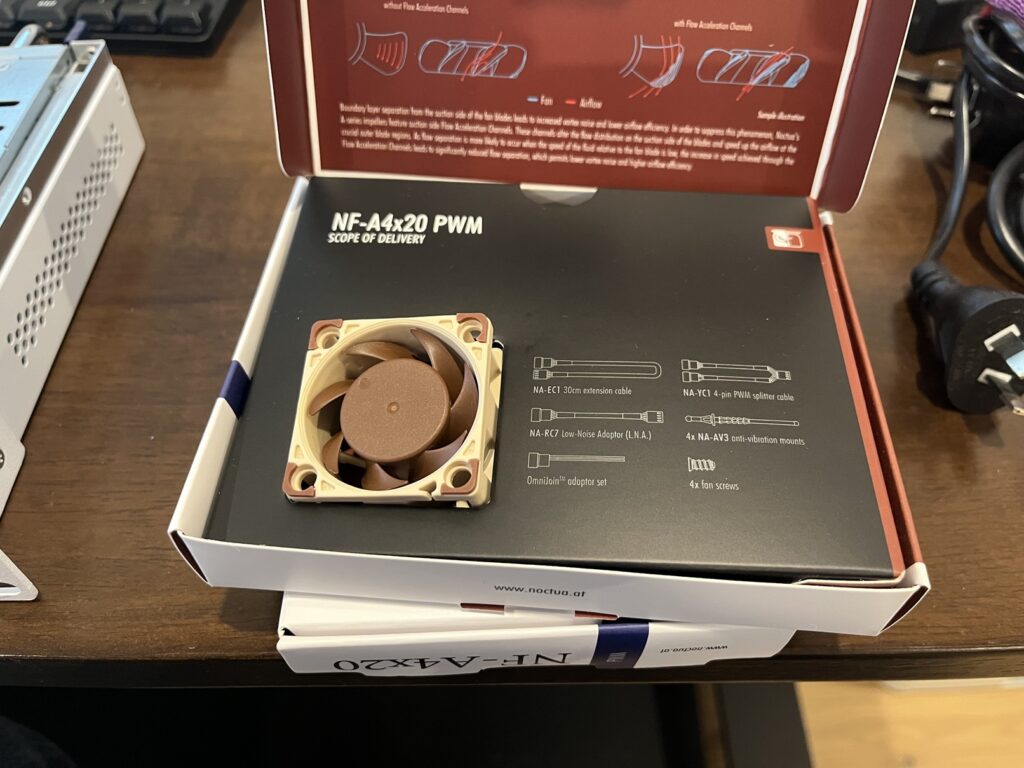
We'll be using the NF-A4x20 PWM model. As is common to these swaps, you'll need to use the chunky screws that Noctua supplies with the fan, as the Mikrotik screws are too small to bite into the plastic frame of the fan. Each fan is retained with just 2 screws, so you'll have extra screws once you're done.
Here's our replacement fan, it comes with a tonne of accessories if you want to do something a bit differently. RouterOS already lets you manage the fan speed smartly, but you could use the Low Noise Adapter to cap the maximum fan speed even more if you want.
We confirm that the stock fans are exhausting air from the back of the chassis.
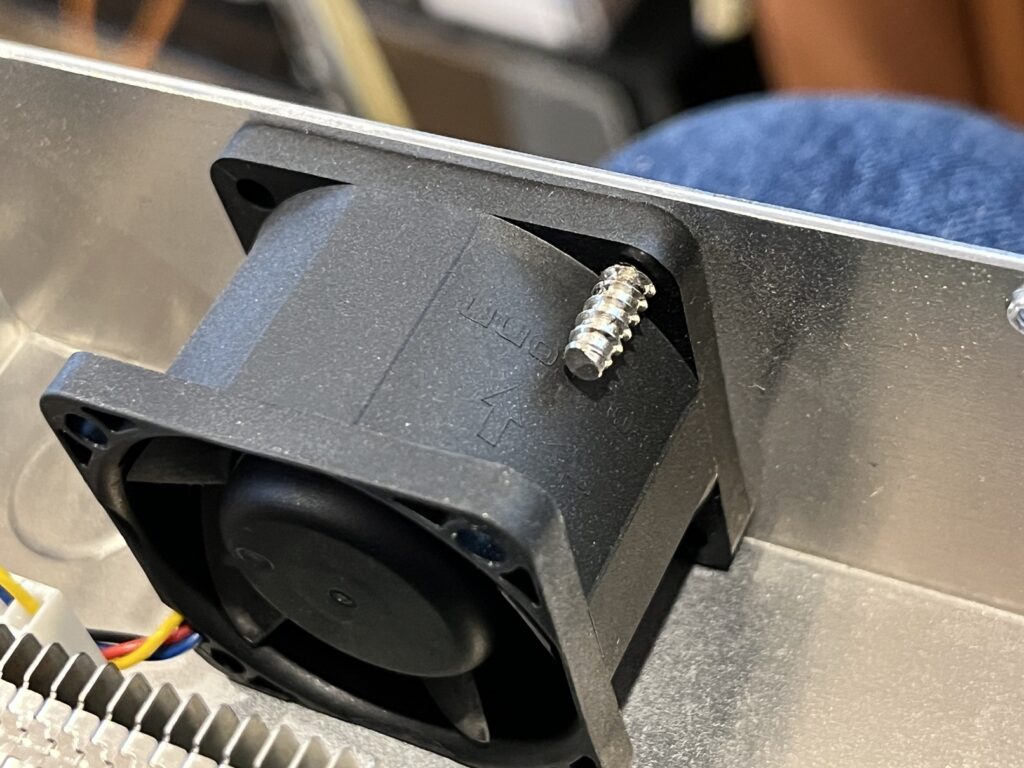
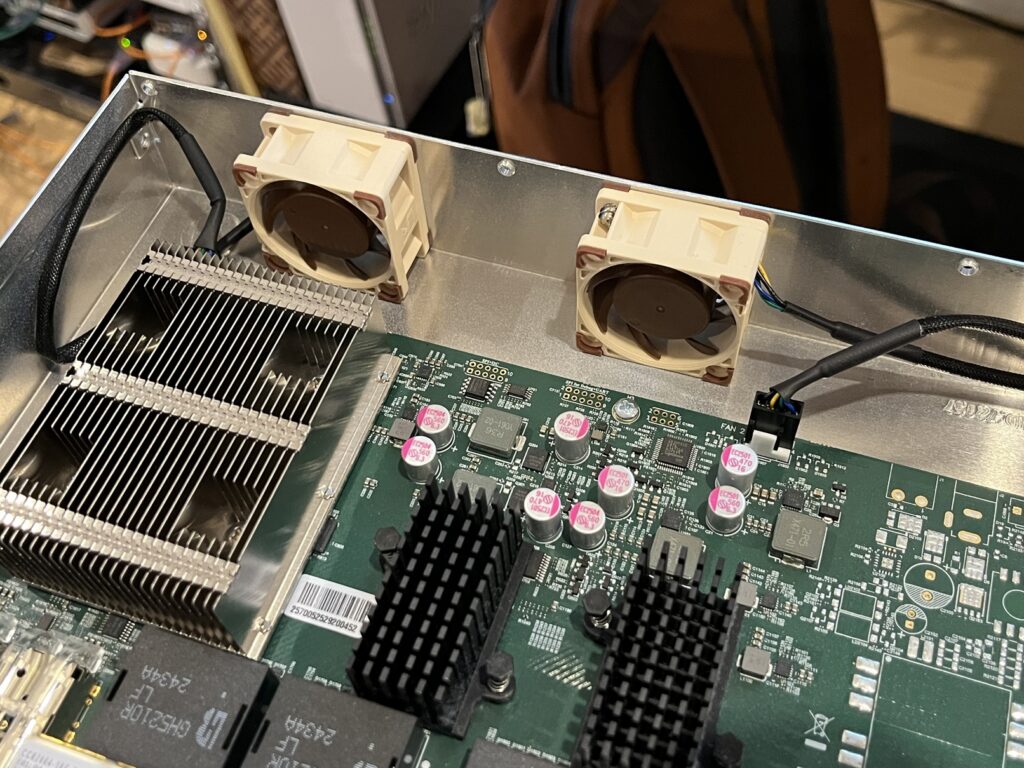
Unscrew the old ones, screw in the new ones, you're done. The cable connector is exactly the same and can only be plugged in one way, so you can't make any mistakes.
In case you were curious about the stock fans, this is the manufacturer's sticker.
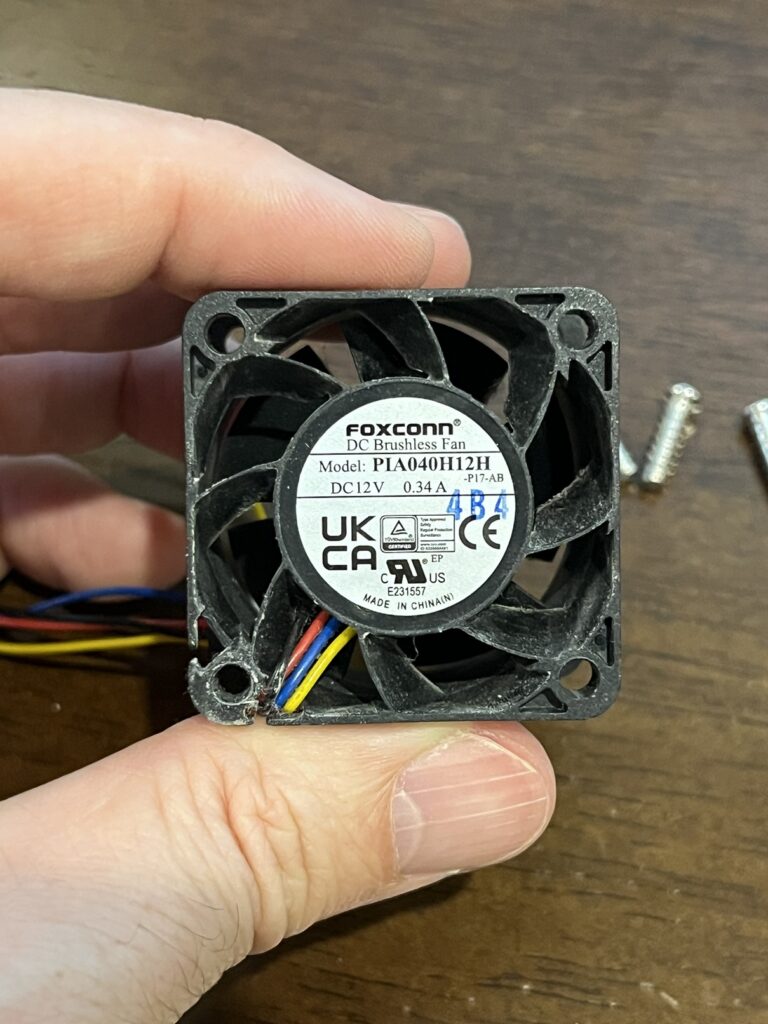
It's kinda crazy, the stock fan draws up to 0.34 Amps, while the Noctua replacement is rated at 0.05 Amps. That difference will be split between moving air more efficiently, and moving much less air (the Noctua has a lower performance ceiling).
| Stock PIA040H12H | Noctua NF-A4x20 PWM | |
| Current | 0.34 Amps | 0.05 Amps |
| Speed (max) | 13000? 18200? RPM (very fast) | 5000 RPM |
| Airflow | 18.6 CFM | 5.53 CFM |